
Wallet passes
If you are having problems downloading your wallet pass, please check the following guide
Certain Email apps do not load images in the email by default. Please see the image below for which button to click on.
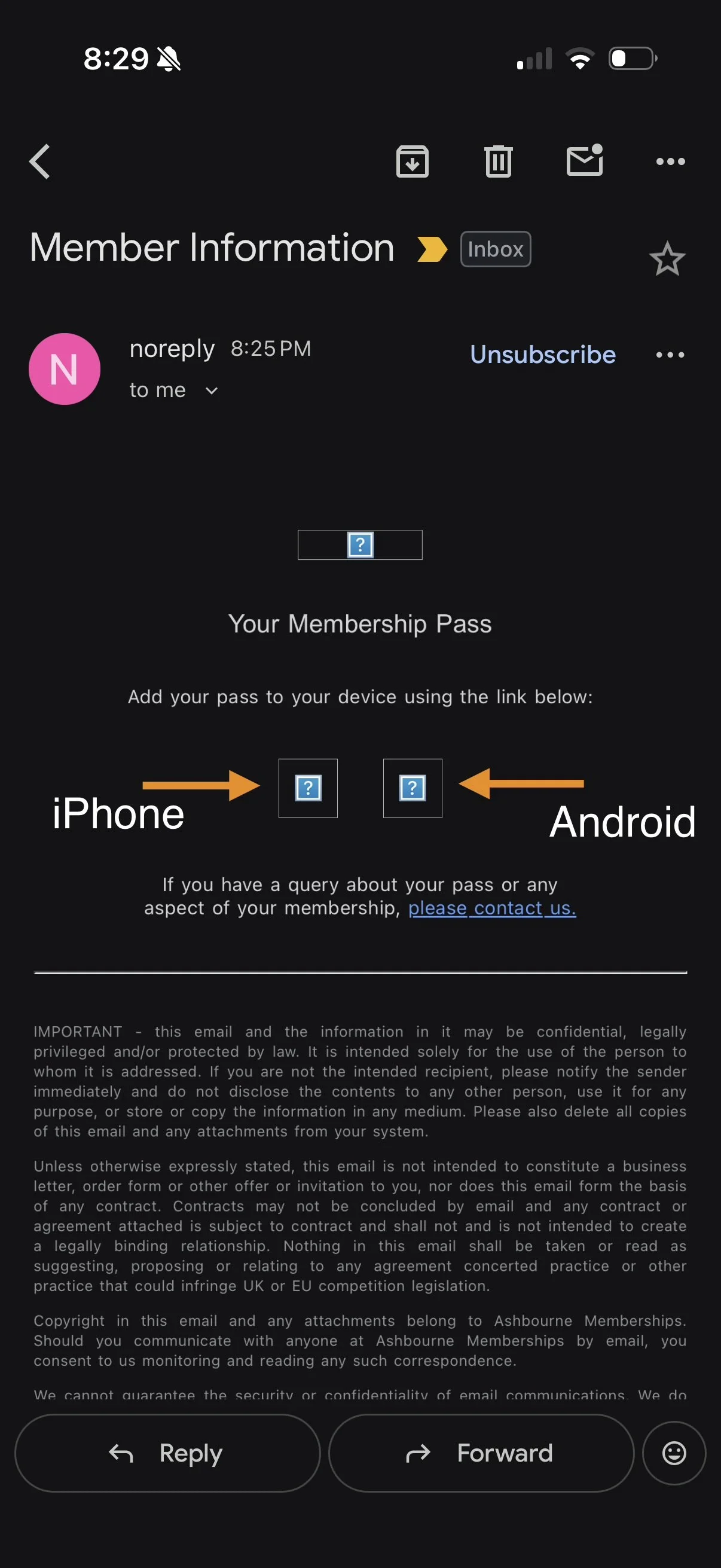
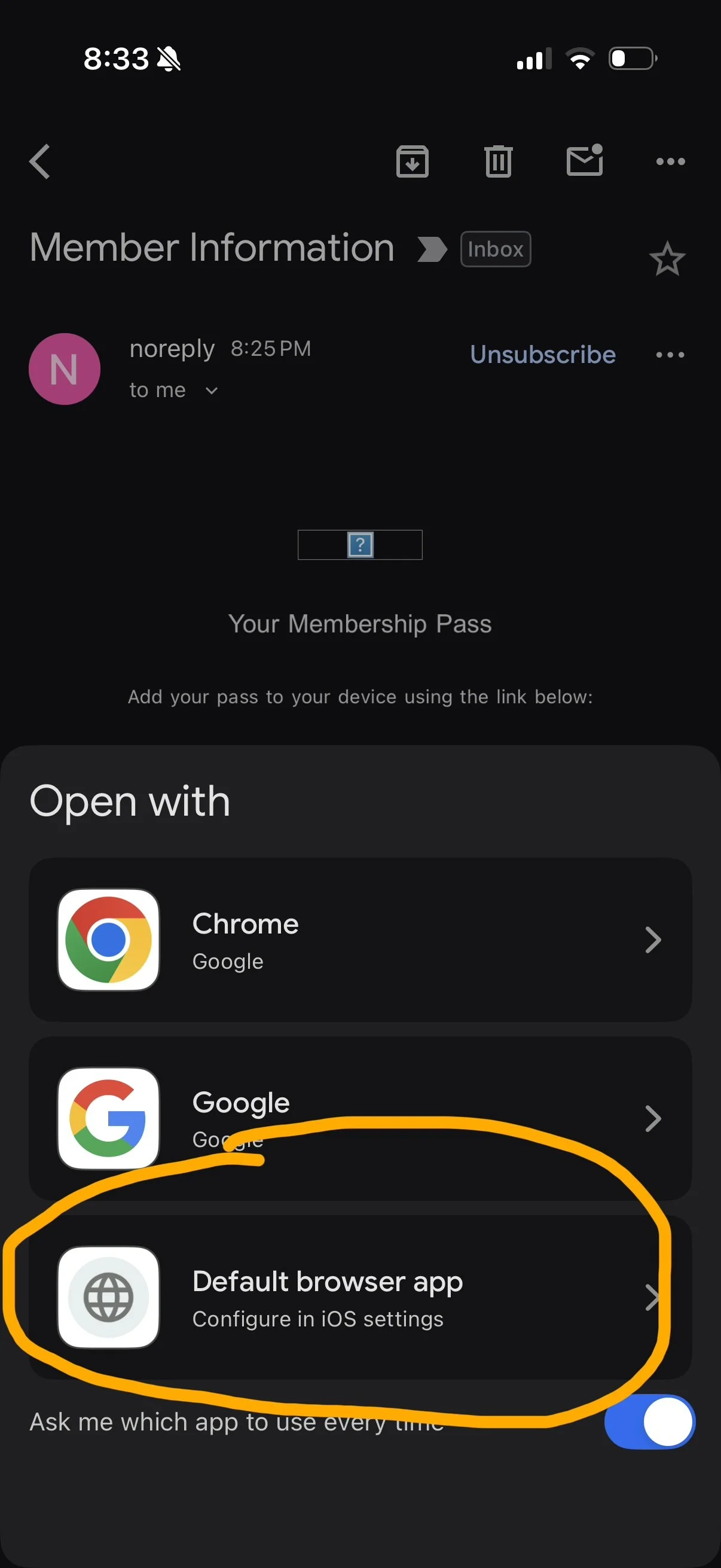
If the link directs you to the Apple website, then you need to make sure Safari is set as your default browser on the device, and then click ‘Default Browser App’ when prompted
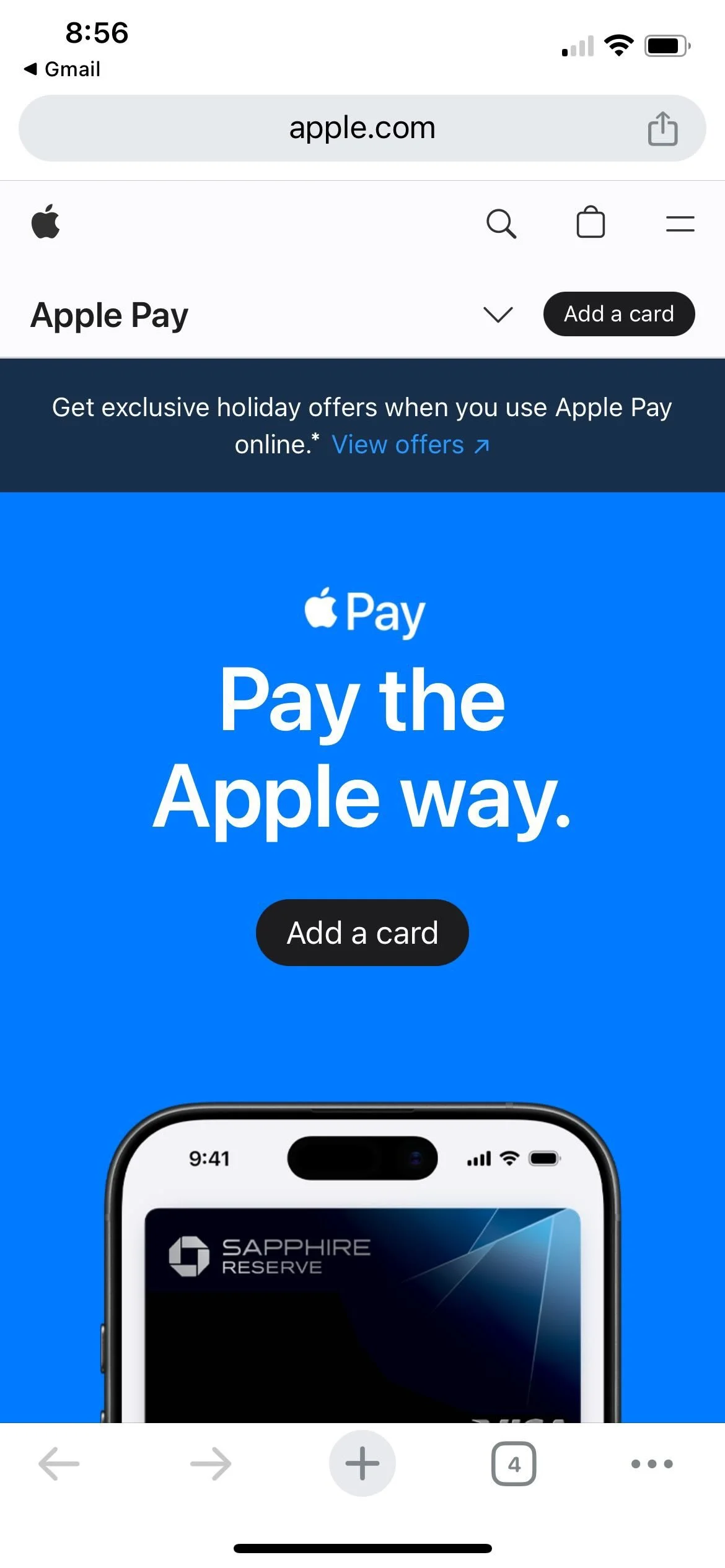
If you see this, you need to open the link in Safari instead of Google / Chrome / Edge

If you are using the Yahoo mail iOS app, you need to push and hold the Wallet pass button and open the link, that should open in Safari and then allow you to add it.
Please see the Ashbourne guide here for further information. If you do not recieve the Wallet pass email, please contact us